10 Best AI Video Generators in 2026: Free and Paid Tools Compared
AI video generators can now transform written prompts, photographs and existing footage into realistic videos within minutes. Creators use these platforms for advertisements, YouTube videos, product demonstrations, social media posts, training material and cinematic short films.
However, AI video generation is not always as effortless as advertisements make it appear.
Generation times can be slow, credits can disappear quickly and poorly written prompts often produce distorted faces, unnatural movements or unusable scenes. Choosing the wrong platform can become expensive when several attempts are needed to produce one acceptable clip.
My preferred AI video generator is Higgsfield. After using its free trial, I found that it produced the most realistic results and followed my prompts better than the alternatives I tested. It was particularly impressive for AI advertisements.
However, Higgsfield is not perfect. Credits can run out quickly, and its paid subscriptions may feel expensive. I would recommend paying for it if you already understand AI video prompting, but beginners should learn the basics with free tools before subscribing.
This guide compares ten of the best AI video generators in 2026 based on realism, prompt accuracy, ease of use, creative controls, available free access and overall value.
Transparency notice: I personally tested Higgsfield through its free trial and used that experience when forming my verdict. Information about the other platforms is based on their current official features, documentation and pricing. Pricing and usage limits can change, so confirm everything on the provider’s website before subscribing.
Table of Contents
Best AI Video Generators Compared
| AI video generator | Best for | Free access | Main strength | Main limitation |
|---|---|---|---|---|
| Higgsfield | Realistic advertisements | Limited free access or trial | Realism and prompt-following | Credits can disappear quickly |
| Runway | Professional creative control | Free plan | Complete creative workflow | Advanced models consume credits quickly |
| Kling AI | Cinematic motion | Limited free access | Realistic movement and longer scenes | Queues and credit costs |
| Google Veo | Video with native audio | Access depends on Google plan | Visual quality and generated sound | Availability and usage limits |
| Seedance | Multi-shot storytelling | Depends on platform | Story structure and camera movement | Access varies by provider |
| Pika | Social media effects | Limited free access | Creative transformations | Less suited to long professional projects |
| InVideo AI | Beginners and complete videos | Free option available | Ease of use | Less detailed generative control |
| HeyGen | Talking avatars | Free plan | Avatar presentation videos | Not primarily cinematic text-to-video |
| Synthesia | Training and business videos | Free plan | Corporate avatars and learning content | Less suitable for cinematic scenes |
| Adobe Firefly | Commercial creative workflows | Limited generative access | Adobe integration | Video generation can become expensive |
No single platform is best for every user. Higgsfield is my overall recommendation, but Runway may suit professional editors, InVideo AI is easier for beginners and HeyGen or Synthesia may be better for presenter-style business videos.
How I Evaluated the Best AI Video Generators
I considered the factors that affect real content-production workflows:
- Video realism
- Prompt accuracy
- Motion quality
- Character consistency
- Image-to-video performance
- Text-to-video performance
- Generation speed
- Ease of use
- Creative controls
- Native audio
- Editing tools
- Free access
- Credit consumption
- Subscription value
- Commercial-use potential
AI video quality should not be judged by one successful clip published by the platform.
A useful tool must produce acceptable results consistently. It should also provide enough control to correct mistakes without forcing the user to restart the entire project.
Speed was not a clear deciding factor in my experience. The tools I tried all required some waiting, especially when generating complex or realistic scenes. Generation time can also depend on server demand, model selection, resolution and subscription level.
1. Higgsfield: Best AI Video Generator Overall
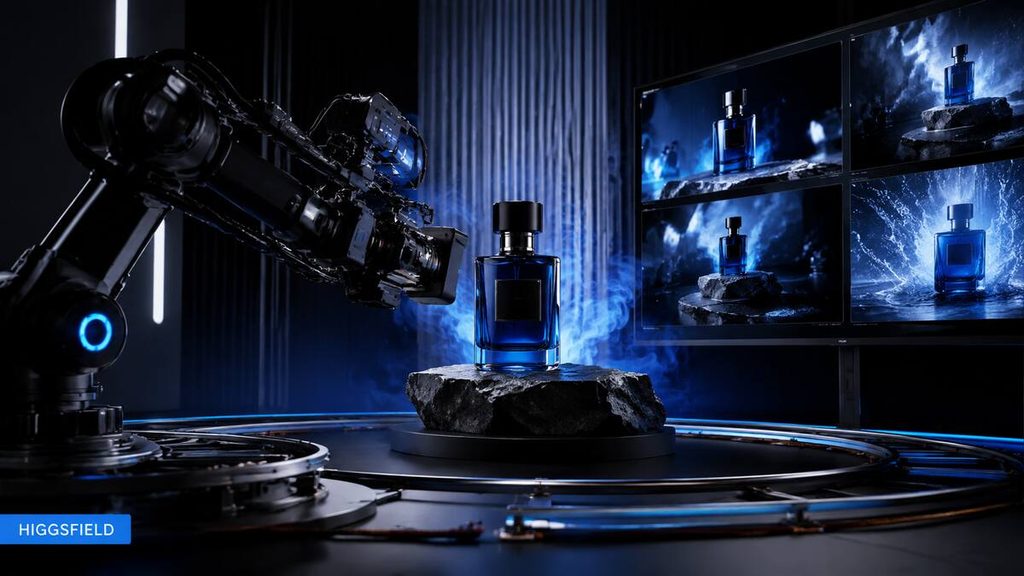
Best for: Realistic videos, advertisements and cinematic social content
Free access: Limited free access or trial may be available
My verdict: Best overall
Higgsfield is my preferred AI video generator.
I tested it through its free trial and found its videos more realistic than the results I obtained elsewhere. It also followed my prompts more accurately, which is important because poor prompt adherence can waste both time and credits.
Higgsfield is particularly strong for advertising. It can help creators visualise polished product scenes, dramatic camera movements and premium commercial concepts without organising a physical video shoot.
What I like about Higgsfield
The most impressive part of Higgsfield is its realism.
The generated scenes can look more like professionally produced footage than basic AI animations. When the prompt is written properly, the lighting, movement and composition can feel suitable for advertisements and branded social content.
I would use Higgsfield for:
- AI product advertisements
- Cinematic social media videos
- Fashion videos
- Product demonstrations
- Concept trailers
- Short promotional scenes
- Image-to-video animation
- Camera-movement experiments
Higgsfield’s biggest disadvantage
Credits run out quickly.
AI video generation often requires several attempts. Even a strong model can create a bad hand, unusual facial expression, inconsistent product or incorrect movement. Every failed attempt can consume more of your allowance.
The subscription can therefore become expensive if you generate videos without planning your scenes first.
Is Higgsfield suitable for beginners?
Higgsfield’s interface may be accessible, but I would not immediately recommend paying for it as a complete beginner.
Learn how to structure AI video prompts before buying a subscription. Understand subjects, actions, camera movements, lighting, framing and negative instructions first.
Once you know how to prompt effectively, Higgsfield becomes easier to justify because you are less likely to waste credits on unclear instructions.
Higgsfield pros
- Highly realistic results
- Strong prompt-following
- Excellent for advertisements
- Impressive camera controls
- Suitable for premium content
- Strong image-to-video potential
- My preferred platform overall
Higgsfield cons
- Credits can run out quickly
- Subscriptions may be expensive
- Failed generations still waste credits
- Not my first paid recommendation for complete beginners
- Complex prompts may require experimentation
Who should use Higgsfield?
Choose Higgsfield if you already understand prompting and want realistic commercial videos, advertisements or cinematic social media content.
Beginners should use the free trial first instead of immediately purchasing an expensive plan. See the latest options on the official Higgsfield pricing page.
2. Runway: Best for Professional Creative Control
Best for: Filmmakers, agencies and professional creative workflows
Free access: Yes
Paid plans: Starting from $15 monthly or $12 monthly with annual billing at the time checked
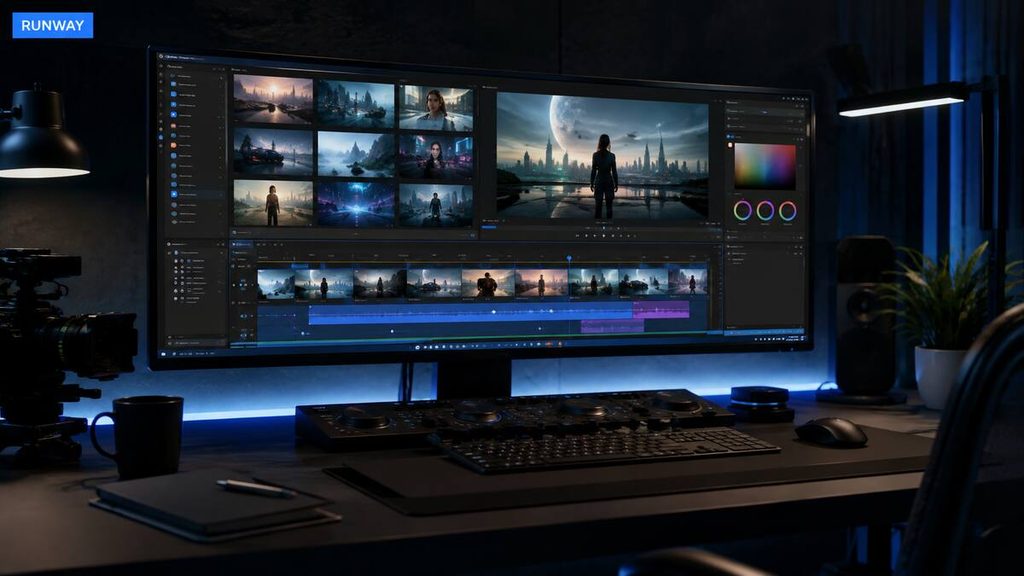
Runway combines AI generation with video editing, image generation, audio tools and workflow controls.
Instead of functioning as a single text-to-video model, it provides a broader creative environment. Users can generate scenes, transform footage, create images and continue refining assets inside one platform.
Runway’s current paid plans include access to several models, making it useful for creators who do not want separate subscriptions for every video model.
Its free plan provides 125 one-time credits and 5 GB of storage. The Standard plan currently includes 625 monthly credits, while the Pro and Max plans offer higher allowances. Runway pricing.
Runway pros
- Professional creative controls
- Text-to-video and image-to-video
- Video-editing capabilities
- Access to multiple models
- 4K upscaling on paid plans
- Free plan for testing
- Useful for teams and agencies
Runway cons
- Credit system takes time to understand
- Advanced models can consume credits quickly
- Free credits do not renew monthly
- Professional features may overwhelm beginners
- Higher plans can become expensive
Who should use Runway?
Runway is best for filmmakers, marketers, agencies and serious creators who need more control than a simple one-click generator provides.
It may offer better value than paying for several individual platforms if you plan to use its complete creative suite.
3. Kling AI: Best for Cinematic Motion

Best for: Realistic motion, cinematic clips and character-driven scenes
Free access: Limited free usage may be available
Paid plans: Standard, Pro, Premier and Ultra options
Kling AI has become a prominent choice for text-to-video and image-to-video generation.
It is particularly attractive to users who want dramatic camera movements, detailed scenes and realistic subject motion. It can be used for cinematic clips, action scenes, storytelling and social media videos.
Kling also provides multi-shot and character-consistency features, although the result still depends heavily on the source image and prompt.
Current listed monthly prices begin around $10 for Standard, with higher Pro, Premier and Ultra tiers. Promotional prices may appear, so verify the amount at checkout on the official Kling AI membership page.
Kling AI pros
- Strong cinematic movement
- Text-to-video generation
- Image-to-video generation
- Good visual detail
- Suitable for story-based content
- Multiple subscription levels
- Can produce longer scenes than some competitors
Kling AI cons
- Complex generations can take time
- Results are not always consistent
- Credits can be consumed by failed attempts
- Faces and hands may still change
- Advanced plans are costly
Who should use Kling AI?
Kling is worth considering if movement, camera direction and cinematic storytelling are more important to you than fast one-click production.
4. Google Veo: Best for Video With Native Audio
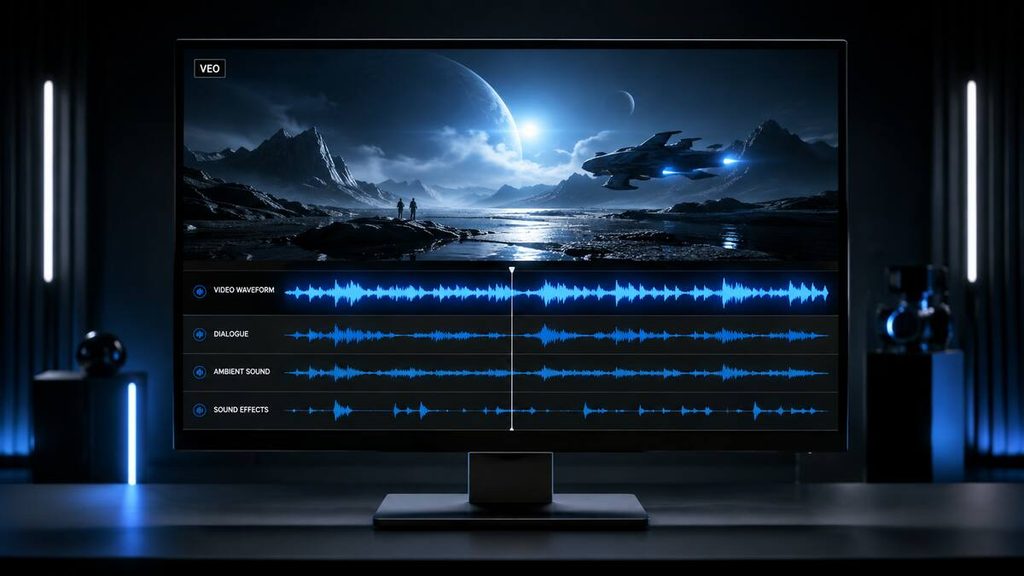
Best for: Realistic scenes containing dialogue, ambience and sound effects
Free access: Depends on the Google product and region
Pricing: Depends on the Google subscription or platform providing access
Google Veo is designed to generate high-quality video from written or visual prompts. A major attraction is its ability to create synchronised audio alongside the video.
Native audio can include:
- Dialogue
- Environmental sound
- Background ambience
- Sound effects
- Music
This can reduce the need to find and synchronise every audio element manually.
However, generated audio is not automatically correct. Dialogue can sound unnatural, words can be mispronounced and effects may not match the visual action.
Google Veo pros
- High visual quality
- Native audio generation
- Realistic lighting and environments
- Good prompt understanding
- Useful for cinematic concepts
- Strong integration with Google’s creative ecosystem
Google Veo cons
- Availability can depend on your country and plan
- Usage limits may be restrictive
- Generated dialogue still requires checking
- Limited clips must be edited together
- Premium access may be expensive
Who should use Google Veo?
Veo is a strong choice for creators who want visuals and synchronised audio from the same generation. It is especially useful for short cinematic scenes, advertisements and dialogue experiments.
5. Seedance: Best for Multi-Shot Storytelling
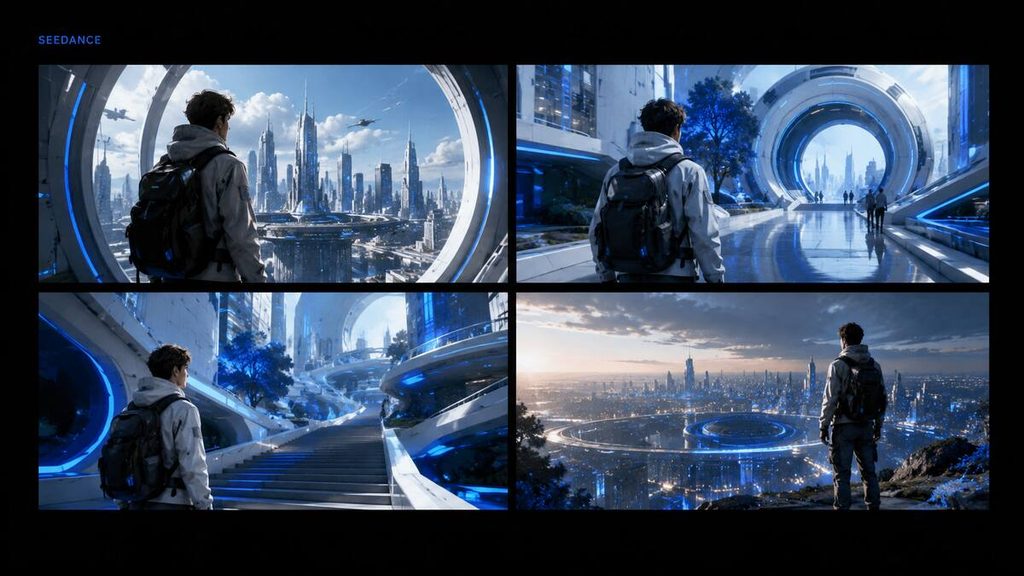
Best for: Multi-shot videos, storyboards and narrative sequences
Free access: Depends on the platform providing the model
Pricing: Varies by provider
Seedance is built for creators who want more than a single isolated shot.
Its strengths include multi-shot generation, camera movement and the ability to use multiple types of reference material. This makes it useful for short stories, adverts, trailers and visual sequences that need more structure.
Seedance access and pricing can vary because the model may be offered through different platforms. Always confirm which model version you are receiving and how many credits each generation requires.
Seedance pros
- Multi-shot storytelling
- Cinematic camera movement
- Useful for structured narratives
- Accepts different reference materials
- Potential for synchronised audio
- Good option for trailers and adverts
Seedance cons
- Availability can be confusing
- Pricing depends on the access platform
- Multi-shot consistency is not guaranteed
- Complex generations consume more credits
- Editing is still required
Who should use Seedance?
Choose Seedance if you want to build connected scenes or plan a short story instead of generating only one visual moment.
6. Pika: Best for Creative Social Media Effects
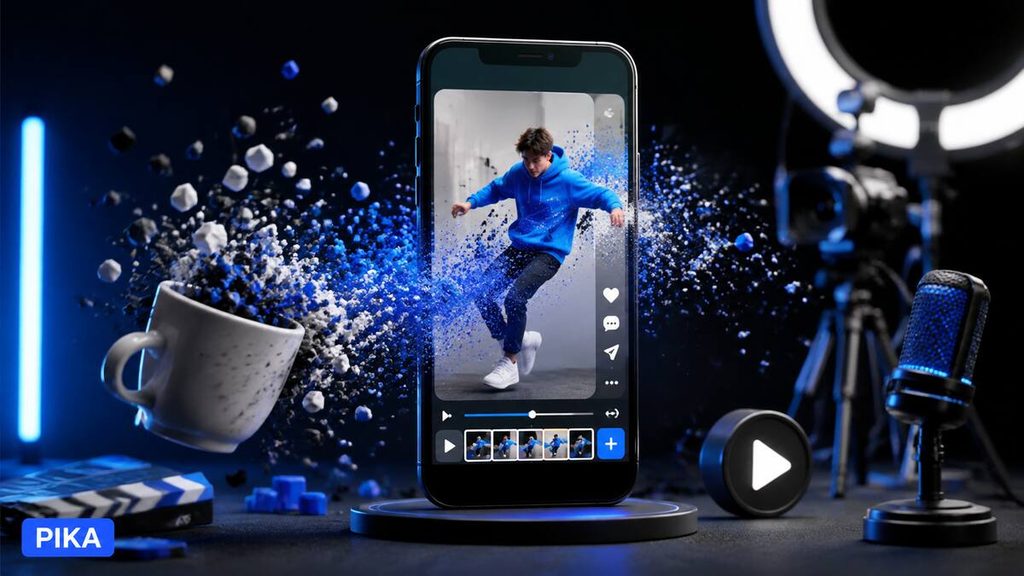
Best for: Short social videos and visual transformations
Free access: Limited free access is generally available
Pricing: Free and paid tiers
Pika focuses on short, attention-grabbing visual content.
It is known for creative transformations and effects that can make ordinary images behave in unexpected ways. This makes it suitable for TikTok, Instagram Reels, YouTube Shorts and experimental social content.
It is less suitable when you need a long, realistic and highly controlled business production.
Pika pros
- Beginner-friendly
- Creative visual effects
- Useful for short social videos
- Image-to-video tools
- Free access for testing
- Good for experimentation
Pika cons
- Less control than professional platforms
- Short-form focus
- Results may look artificial
- Limited free generations
- Not the best option for complex films
Who should use Pika?
Pika is suitable for social media creators who want quick, entertaining effects without learning an advanced filmmaking workflow.
7. InVideo AI: Easiest for Beginners
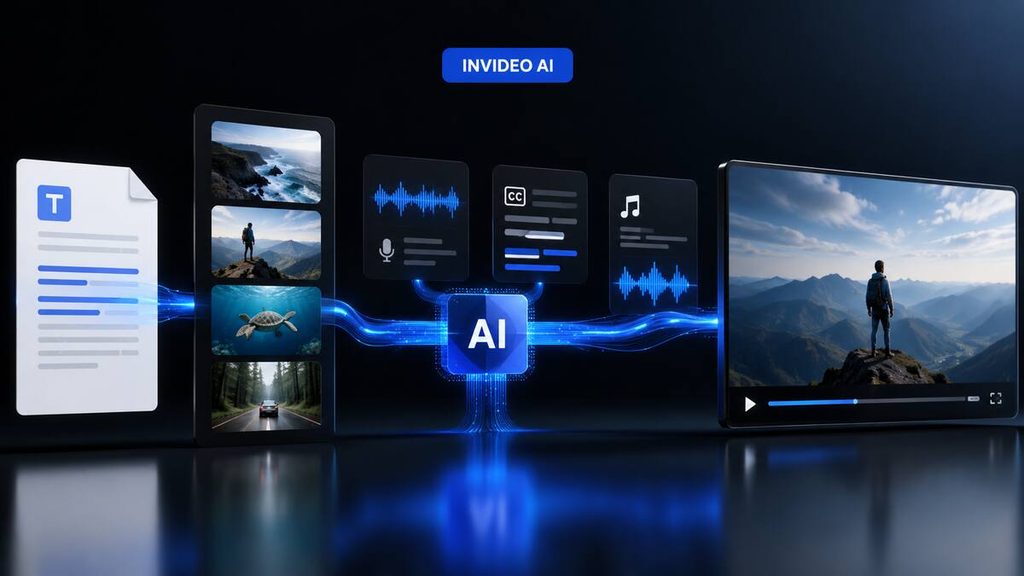
Best for: Beginners, faceless YouTube videos and complete edited videos
Free access: Yes, with limitations
Pricing: Free and paid subscriptions
InVideo AI is the easiest platform for beginners among the options I considered.
Unlike tools focused mainly on generating a five- or ten-second cinematic clip, InVideo AI can help create a complete video from a prompt. It can assemble scripts, stock footage, narration, subtitles and music.
This makes it useful for:
- Faceless YouTube videos
- Educational content
- List videos
- Explainer videos
- Social media content
- Marketing presentations
Its approach is different from Higgsfield or Kling. InVideo prioritises complete video production, while the more cinematic platforms focus on generating unique scenes.
InVideo AI pros
- Easy for beginners
- Generates complete videos
- Script assistance
- AI voiceovers
- Stock-media integration
- Automatic subtitles
- Suitable for faceless channels
InVideo AI cons
- Less detailed cinematic control
- Stock footage can feel generic
- Free exports may contain limitations
- AI scripts require fact-checking
- Results need human editing
Who should use InVideo AI?
Choose InVideo AI if you want to produce complete YouTube or social media videos without learning professional editing software.
It is my recommendation for beginners, while Higgsfield is my recommendation for more realistic custom-generated footage.
8. HeyGen: Best for Talking-Avatar Videos
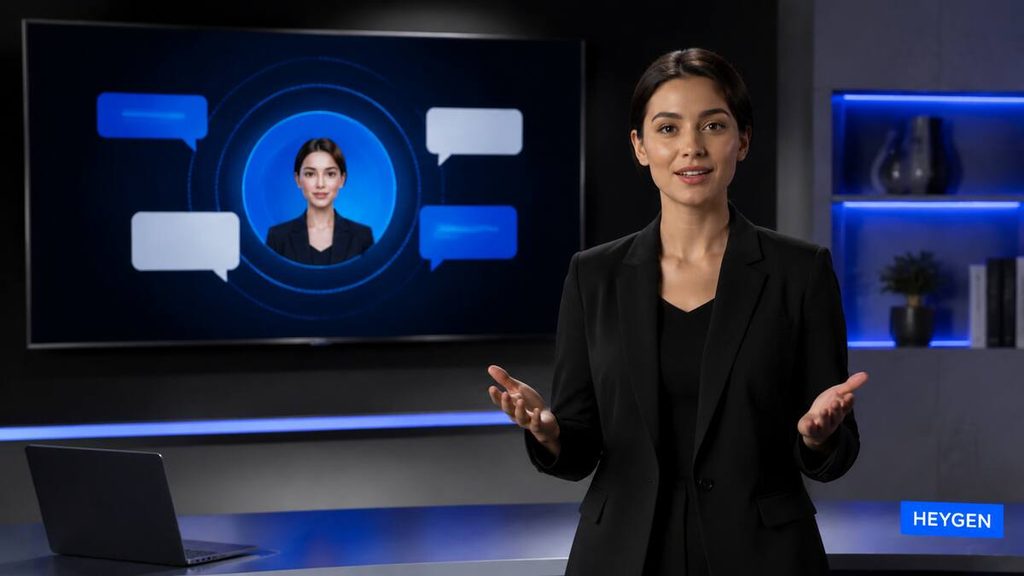
Best for: Presenter videos, sales content and multilingual avatars
Free access: Up to three videos per month at the time checked
Paid plans: Creator currently starts at $29 monthly
HeyGen specialises in AI avatars that present written scripts on camera.
Instead of hiring a presenter and recording every update, businesses can select an avatar, add a script and generate a talking-head video.
HeyGen is useful for:
- Sales presentations
- Product demonstrations
- Training material
- Multilingual content
- Social media presenters
- Marketing videos
- Personalised messages
The free plan currently allows up to three videos per month. Its Creator plan is listed at $29 per month or $24 per month with annual billing. HeyGen pricing.
HeyGen pros
- Realistic AI avatars
- Multilingual support
- Voice-cloning features
- Easy script-to-video workflow
- Suitable for business presentations
- Free plan available
HeyGen cons
- Avatar videos can feel repetitive
- Not designed primarily for cinematic generation
- Advanced features consume credits
- Paid plans can become expensive
- Synthetic presenters may not suit every brand
Who should use HeyGen?
HeyGen is best for marketers, educators and businesses that need a digital presenter rather than cinematic text-to-video footage.
9. Synthesia: Best for Training and Business Videos
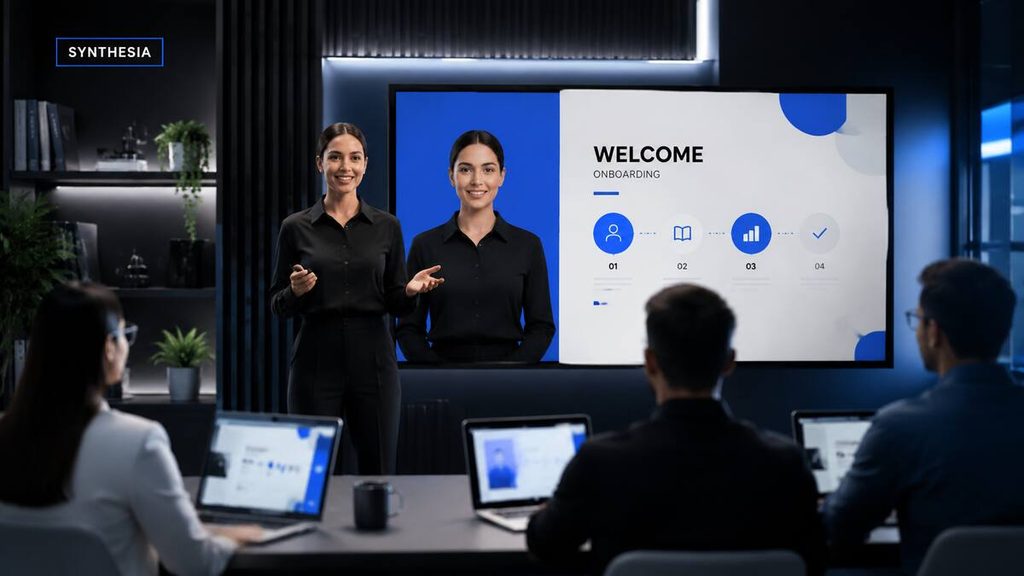
Best for: Corporate training, onboarding and educational presentations
Free access: Yes
Paid plans: Starter and Creator subscriptions
Synthesia is designed around professional avatar-based videos.
Its strongest uses include workplace training, onboarding, internal communication, product education and multilingual business content.
The platform provides templates, stock avatars, customisation and collaboration features. It is less focused on artistic cinematic scenes than tools such as Higgsfield, Kling or Veo.
Synthesia currently lists a free Basic plan. Its Starter plan is listed at $29 monthly, while annual billing reduces the effective monthly price. Synthesia pricing.
Synthesia pros
- Professional AI avatars
- Good for training content
- Multilingual capabilities
- Business templates
- Team collaboration
- Free plan available
- Consistent presentation format
Synthesia cons
- Not suitable for cinematic films
- Avatar delivery may feel formal
- Advanced plans are expensive
- Limited creative scene generation
- Business-focused appearance
Who should use Synthesia?
Choose Synthesia if your priority is training, onboarding, education or internal business communication.
10. Adobe Firefly: Best for Adobe Creative Workflows
Best for: Editors already using Adobe software
Free access: Limited generative access
Pricing: Depends on the Adobe plan and generative credits
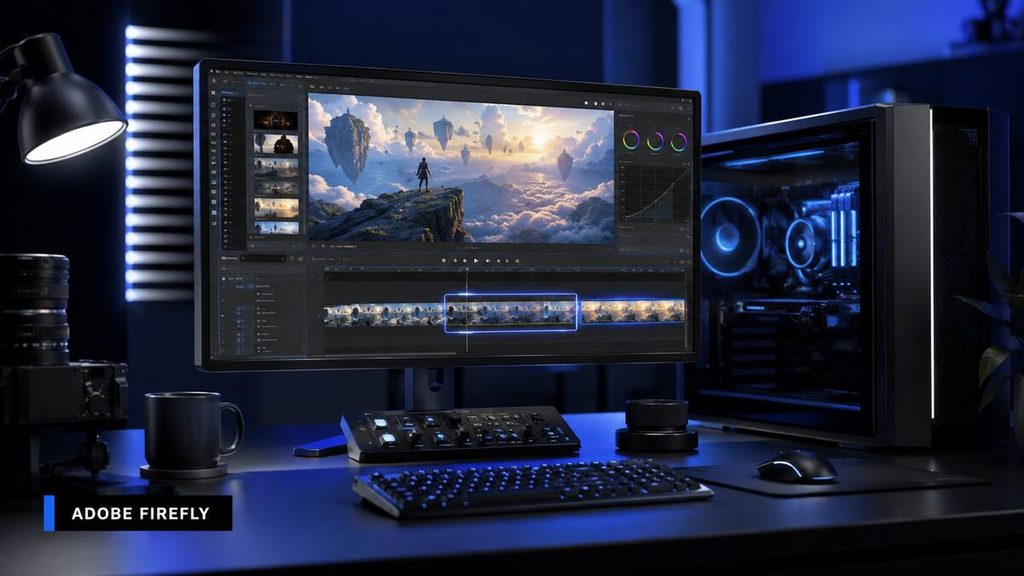
Adobe Firefly provides video-generation capabilities inside the broader Adobe creative ecosystem.
Its biggest advantage is integration. Editors can generate or extend footage and continue working in familiar applications instead of downloading clips from several unrelated platforms.
Adobe also positions Firefly for commercial creative work, although users must still confirm the licence and terms applying to each model and project.
Adobe Firefly pros
- Adobe ecosystem integration
- Useful for professional editors
- Text-to-video and image-to-video
- Generative extension capabilities
- Suitable for fixing or adding shots
- Commercial workflow focus
Adobe Firefly cons
- Credit costs can accumulate
- Best experience may require Adobe subscriptions
- Not the easiest choice for beginners
- Generation length can be limited
- Creative workflow takes time to learn
Who should use Adobe Firefly?
Adobe Firefly is most useful for creators already working with Premiere Pro, After Effects or other Adobe products.
Which AI Video Generator Is Best?
Based on my experience, Higgsfield is the best AI video generator overall.
It produced the most realistic videos for me, followed my prompts more reliably and appeared particularly suitable for advertising.
However, the best choice depends on the kind of video you want to create.
| Your goal | Recommended tool |
|---|---|
| Most realistic advertisements | Higgsfield |
| Professional creative control | Runway |
| Cinematic motion | Kling AI |
| Native video and audio | Google Veo |
| Multi-shot storytelling | Seedance |
| Social media effects | Pika |
| Easy complete videos | InVideo AI |
| Marketing avatars | HeyGen |
| Corporate training | Synthesia |
| Adobe editing workflow | Adobe Firefly |
Best Free AI Video Generator
There is no completely unlimited free AI video generator among the major platforms.
Free plans usually restrict:
- Number of generations
- Available models
- Export quality
- Video length
- Watermarks
- Commercial rights
- Processing priority
- Download options
- Monthly credits
InVideo AI is a practical place for beginners who want to understand complete video creation. Runway’s free plan can help users explore professional AI tools, while limited trials from cinematic platforms can demonstrate their visual quality.
Do not choose a free tool only because it offers the largest number of credits. One model may charge considerably more credits per second than another.
The better question is: How many usable videos can you produce from the allowance?
Free vs Paid AI Video Generators
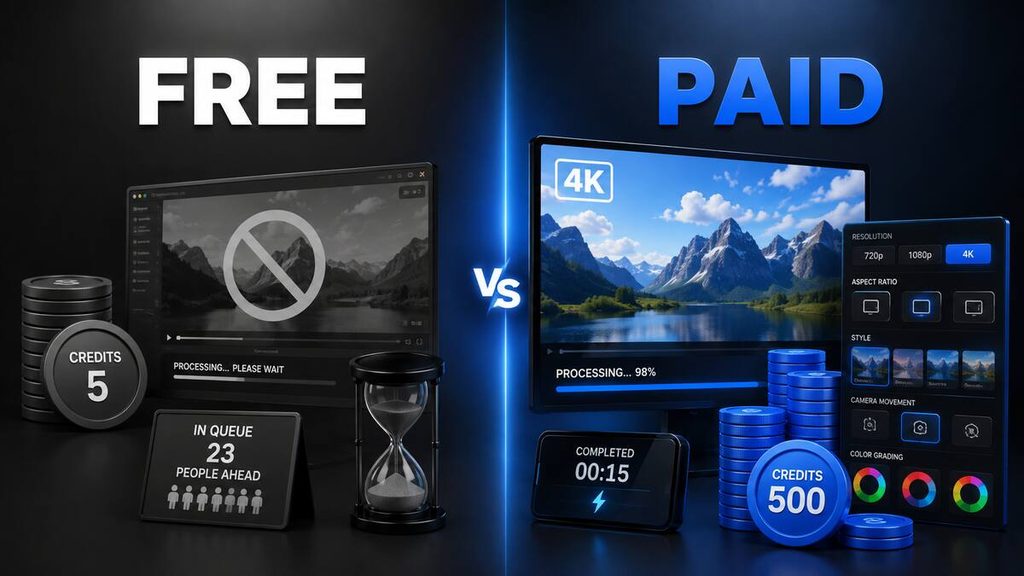
| Feature | Free plan | Paid plan |
|---|---|---|
| Generations | Very limited | Larger allowance |
| Watermark | Often included | Frequently removed |
| Resolution | May be restricted | Higher-resolution exports |
| Processing speed | Lower priority | Faster or priority queues |
| Model access | Limited | More advanced models |
| Commercial use | May be restricted | Often available, subject to terms |
| Creative controls | Basic | More advanced |
| Storage | Limited | Increased storage |
Beginners should start free. A paid plan becomes worthwhile when you:
- Understand how to write effective prompts
- Have a clear content strategy
- Know the video format you require
- Generate content regularly
- Need commercial-use rights
- Need higher resolution
- Have calculated the cost per usable clip
My recommendation is to pay for Higgsfield once you understand prompting and have a genuine use for realistic AI-generated video.
How to Choose the Right AI Video Generator
Identify your intended content
Do not choose a platform before deciding what you want to create.
A cinematic text-to-video generator and an avatar presentation platform solve different problems.
For example:
- Choose Higgsfield for realistic advertisements.
- Choose InVideo AI for complete faceless videos.
- Choose HeyGen for talking presenters.
- Choose Synthesia for training.
- Choose Pika for short social effects.
- Choose Runway for a wider professional workflow.
Compare the cost per usable result
Subscription price alone does not reveal the true cost.
Suppose a plan gives you enough credits for 20 generations, but only five results are usable. Your practical cost is based on those five clips—not all 20 attempts.
Failed generations are a normal part of AI video production.
Examine commercial-use rights
If you plan to use videos in advertisements, monetised YouTube content or client projects, confirm that your plan permits commercial use.
Also confirm that you have the rights to every uploaded image, video, voice and logo.
Check available aspect ratios
Social media platforms require different formats:
- YouTube landscape: 16:9
- TikTok: 9:16
- Instagram Reels: 9:16
- Instagram feed: 1:1 or 4:5
- Website banners: Often 16:9 or wider
A platform that cannot generate your preferred aspect ratio may create additional editing work.
Test character and product consistency
If your video contains the same character or product across several scenes, test consistency before paying.
The AI may alter:
- Faces
- Clothing
- Product colours
- Logos
- Hairstyles
- Body proportions
- Background objects
Reference-image tools can help, but they do not guarantee perfect consistency.
Test the free version first
Never buy an annual plan based only on promotional examples.
Use a free allowance or the shortest available subscription to test your own prompts and images.
Common AI Video Generator Problems
Credits run out quickly
This was my main frustration with Higgsfield.
Video generation is expensive because each attempt requires significant computing power. Complex models and higher resolutions generally consume more credits.
Plan every scene before generating it.
Videos take time to generate
None of the tools I used felt instant. Generation times depend on server demand, model complexity, video length and your subscription.
Do not expect every clip to appear immediately.
Faces and bodies can change
AI video models may alter faces, hands, clothing or body proportions during movement.
Use a clear reference image, simplify the action and avoid asking for too many movements simultaneously.
The model ignores instructions
Long prompts are not automatically better prompts.
Write instructions in a logical order:
- Subject
- Environment
- Action
- Camera movement
- Lighting
- Mood
- Technical constraints
Movement looks unnatural
AI models can struggle with running, dancing, physical contact and interactions between several objects.
Simplify the scene and generate separate shots when necessary.
Text and logos become distorted
Do not depend on an AI video model to reproduce important text perfectly.
Add accurate text, prices, legal disclaimers and logos during editing after generating the visual scene.
Frequently Asked Questions
What is the best AI video generator in 2026?
Higgsfield is my preferred AI video generator because it produced the most realistic results and followed my prompts well. Runway, Kling AI, Google Veo and Seedance are strong alternatives for different creative needs.
What is the best AI video generator for beginners?
InVideo AI is one of the easiest options for beginners because it can combine scripts, footage, narration, music and captions into complete videos.
What is the best AI video generator for advertisements?
I recommend Higgsfield for AI advertisements. Its realism and camera controls make it suitable for premium promotional content.
What is the best AI video generator for YouTube?
InVideo AI is practical for complete faceless YouTube videos. Runway and Higgsfield are better when you need custom cinematic scenes to include in an edited production.
Are there free AI video generators?
Yes. Runway, HeyGen, Synthesia, InVideo AI and several other platforms offer free plans or limited access. Free plans normally restrict credits, models, exports or resolution.
Are free AI video generators unlimited?
Most reputable free AI video generators are not unlimited. Video generation requires substantial computing resources, so free access normally includes strict usage limits.
Is Higgsfield worth paying for?
Higgsfield can be worth paying for if you understand prompting and need realistic videos or advertisements. Beginners should use the free trial and practise prompting before purchasing a subscription.
Why do AI video credits run out so quickly?
Video models process many frames for every generated second. Advanced models, longer videos and higher resolutions require more computing power and therefore consume more credits.
Can AI videos be monetised on YouTube?
AI-assisted videos may be monetised when they comply with YouTube’s current policies and provide original value. Do not assume that automatically generated, repetitive or reused content will qualify.
Add original scripting, commentary, editing, research or storytelling and review the latest YouTube monetisation rules before publishing.
Can I use AI-generated videos commercially?
Commercial usage depends on the platform, subscription and source material. Check the provider’s current licence and ensure that you own or have permission to use uploaded images, footage, music, voices and brand assets.
Final Verdict
Higgsfield is my choice for the best AI video generator in 2026.
Its strongest qualities are realistic visuals, reliable prompt-following and impressive advertising potential. If I could keep only one AI video platform, I would choose Higgsfield.
Its biggest weakness is credit consumption. Credits can disappear quickly when a scene requires several attempts, and the subscription may be expensive for occasional users.
For that reason, I recommend Higgsfield to creators who already know how to prompt and have a clear production plan. Complete beginners should practise with free access before subscribing.
Runway is a strong choice for professional creative control. Kling AI is suited to cinematic movement, while Google Veo is compelling for native audio. InVideo AI is the easiest option for beginners, and HeyGen or Synthesia are better for presenter-style videos.
The best platform ultimately depends on your content. Test your own prompts rather than judging tools only by promotional videos.
Affiliate Disclosure
This article does not currently contain affiliate links. Links lead to official product websites, and Tool Habour does not earn a commission if you use them.
If affiliate links are added later, this disclosure will be updated clearly. Any future commission will not increase the price you pay.